WhatsApp adds new parent controls: What can parents now manage?
WhatsApp has added new parental controls for teens and parent-managed accounts. Check what parents can manage, including contacts, groups, privacy, alerts, Meta AI, Status and Channels.

- Published
- Reading time
- 8 minutes
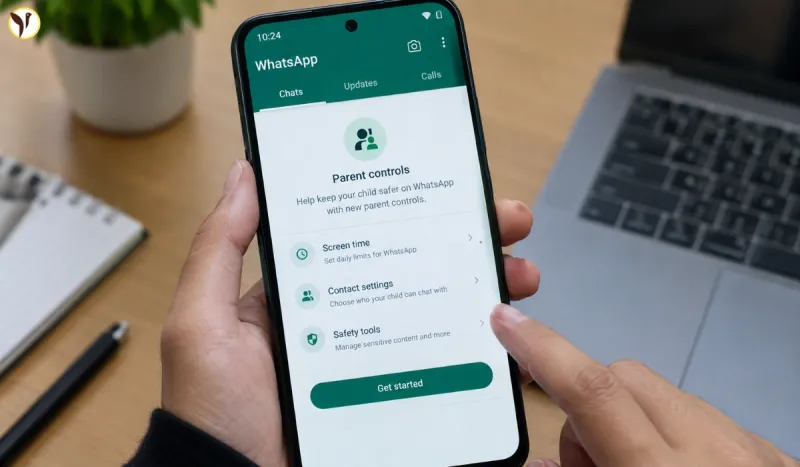
WhatsApp is bringing new parental controls to give parents and guardians more ways to manage how younger users use the messaging app.
The new tools are designed especially for teens and parent-managed accounts. Parents can manage selected privacy and safety settings, control some communication options and receive alerts about certain activities.
The important part is that these controls are not designed to let parents read their child's private messages. WhatsApp says personal messages remain end-to-end encrypted.
The new controls are being rolled out gradually, so some users may not see them immediately.
What Are WhatsApp Parent-Managed Accounts?
WhatsApp's parent-managed accounts are designed for younger users who need additional supervision.
Parents or guardians can connect their own phone with the child's managed account and then use a parent PIN to access parental-control settings.
These settings can help parents decide:
- Who can contact the child
- Which groups the child can join
- How certain privacy settings work
- Which activity alerts parents receive
- How some WhatsApp features such as Channels and Meta AI are used
WhatsApp says these accounts are rolling out gradually and may not yet be available in every region.
What Can Parents Now Manage On WhatsApp?
The new controls cover several important areas.
Manage Who Can Contact The Child
Parents can have more control over the communication environment around a child.
The parent-managed account system includes controls related to contacts, message requests and group invitations.
This can help parents deal with situations where an unknown person tries to start a conversation with their child.
Parents can also receive activity alerts about certain contact-related actions.
Parents Can Get Activity Alerts
One of the major new features is activity alerts.
Parents can receive notifications about certain actions on the child's account.
These can include:
- A new contact being added
- A contact being blocked or reported
- A new chat request
- A group being joined
- A group being left
- A group becoming significantly larger
- Certain account changes
- Some disappearing-message settings
Parents can choose which types of non-critical notifications they want to receive.
Critical alerts, such as some contact safety actions, remain enabled.
Parents Cannot Read Private WhatsApp Messages
This is one of the most important points for parents to understand.
The new parental controls do not give parents access to the child's private conversations.
WhatsApp says personal messages are end-to-end encrypted.
That means the parental-control system is focused on activity and safety settings rather than giving parents the ability to open and read private chats.
So, parents can receive certain alerts without getting a copy of their child's conversations.
Parents Can Manage Privacy Settings
Parents can also manage selected privacy settings for a teen or parent-managed account.
Depending on the account setup, parents can control things such as:
- Who can see the child's profile photo
- Who can add the child to groups
- Other selected privacy options
If a teen tries to make some of these settings less restrictive, parental approval may be required through the parent PIN.
This gives families an additional layer of control without removing the child's access to WhatsApp altogether.
Parents Can Control WhatsApp Groups
Groups are another major part of the new controls.
Parents can manage aspects of group participation on parent-managed accounts.
The system can also notify parents when their child:
- Joins a group
- Leaves a group
- Becomes part of a group that grows significantly
This can give parents more information about changes in the child's WhatsApp activity.
However, these controls do not mean that parents can read every message inside those groups.
Parents Can Manage WhatsApp Channels
WhatsApp also provides parental controls for Channels.
Parents can choose whether their teen can access:
- All Channels
- Only parent-approved Channels
- No Channels
Parents can also restrict their teen from creating a Channel.
These settings are protected through the parent PIN.
This is important because Channels can expose young users to content from people and organisations outside their normal contact list.
Parents Can Manage Status Privacy
WhatsApp Status is another area covered by the new controls.
Parents can manage:
Whose Status the teen can see
Options include:
- The teen's contacts
- Contacts except selected people
- Selected contacts
- Nobody
Who can see the teen's Status
Similar privacy options are available for deciding who can view the teen's Status.
This gives parents more control over who the child interacts with through Status.
Parents Can Manage Meta AI Settings
The new controls also cover Meta AI on WhatsApp.
Parents can choose between different levels of access.
WhatsApp's current parental-control documentation lists:
Standard
The teen can use Meta AI for topics generally aligned with the experience available to users aged 13 and above.
Limited
The parent can choose a more restricted Meta AI experience.
The Limited setting restricts some topics and does not make certain Meta AI features using Private Processing available.
This is particularly relevant as AI assistants become a larger part of messaging apps.
How Does The Parent PIN Work?
The parent PIN is an important part of the system.
Parents or guardians create a six-digit PIN that protects parental-control settings.
The PIN helps prevent the child from simply changing the restrictions without the parent's approval.
Parents should therefore keep the PIN private.
Can Parents Block Or Report Someone?
Yes.
A parent-managed account can block or report a contact, group or community.
A user can also report a message, image or contact.
When certain blocking or reporting actions happen, the parent can receive an activity alert.
For example, parents can be notified if the child blocks or unblocks someone or reports a person, message or group.
What Happens When A Teen Gets Older?
The parental controls are not necessarily permanent.
WhatsApp says that when the child reaches 13 years old, or the higher minimum age required in their country or region, parents or guardians can receive a notification about transitioning the account out of parent-managed mode.
After the transition:
- Parental controls are removed
- The teen can manage their own privacy settings
- Features such as Channels, Status and Meta AI become available
- The account returns to the normal WhatsApp experience subject to applicable age requirements and settings
This means the parent-managed system is designed to change as the child gets older.
WhatsApp Parent Controls: What Can Parents Manage?
|
|
|
|
|
|
|
|
|
|
|
|
|
|
|
|
|
|
|
|
|
|
|
|
|
|
|
|
|
|
|
|
|
|
|
|
|
|
|
How To Set Up WhatsApp Parental Controls
If the feature is available on your account, the basic process is straightforward.
Step 1: Update WhatsApp
Make sure both the parent's and child's WhatsApp apps are updated to the latest available version.
WhatsApp says parent-managed accounts are being rolled out gradually.
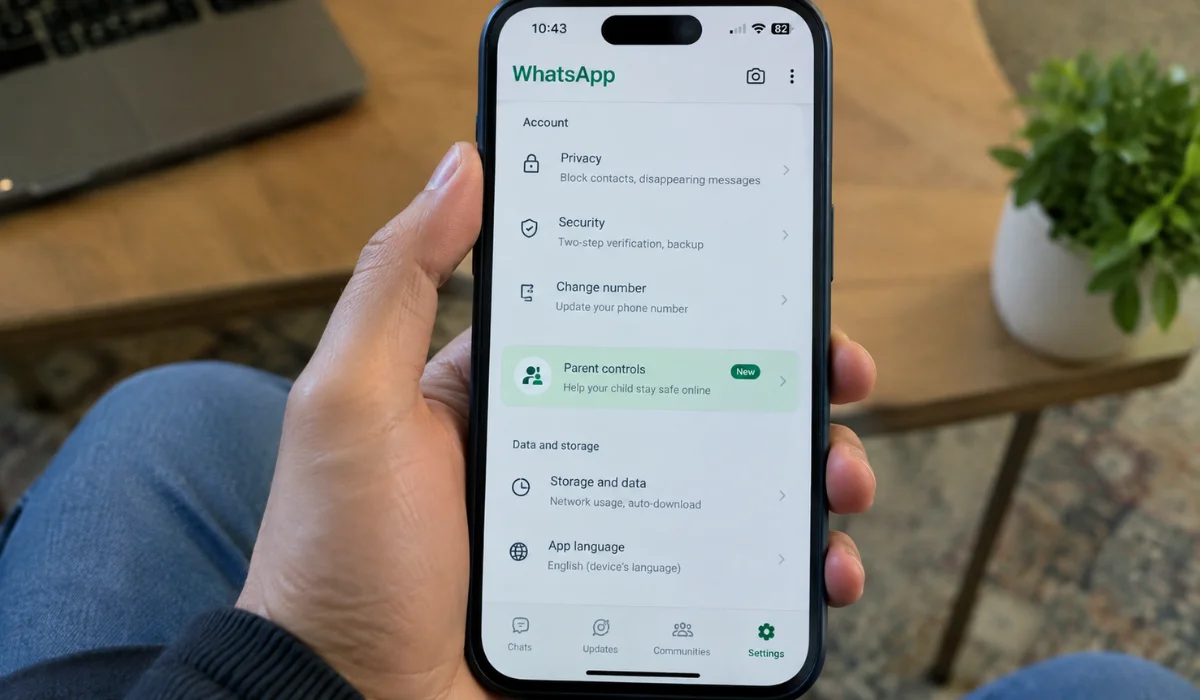
Step 2: Open WhatsApp Settings
Open WhatsApp on the relevant device and go to Settings.
Step 3: Open Parental Controls
Select the parental-control option when it is available for the account.
Step 4: Connect The Parent And Child Accounts
Follow WhatsApp's instructions to connect the parent-managed account.
Step 5: Create A Parent PIN
Set a six-digit PIN that protects the parental-control settings.
Step 6: Choose The Restrictions
Parents can then select the controls available to them, including privacy, contacts, groups, Channels, Status and Meta AI settings.
Step 7: Manage Activity Alerts
Parents can select the activity notifications they want to receive.
Are WhatsApp Parental Controls Available Everywhere?
Not yet.
WhatsApp's official Help Center says parent-managed accounts and parental controls are rolling out gradually and may not be available in every region.
Therefore, if a parent cannot see the feature immediately, it does not necessarily mean something is wrong with the account.
Keeping WhatsApp updated and checking the official WhatsApp Help Center can help users know when the feature becomes available in their region.
Why Is WhatsApp Adding These Controls?
The main purpose is to give parents more tools to support younger users while keeping WhatsApp's privacy model in place.
Children and teenagers can communicate with contacts, join groups and use features such as Channels and AI.
Parents may want more information about these activities without having access to every private conversation.
The new controls attempt to address that gap by focusing on settings, activity alerts and feature access rather than message surveillance.
WhatsApp Parent Controls Vs Traditional Monitoring
The new system is different from apps that allow parents to monitor the content of every message.
WhatsApp's approach focuses more on:
- Privacy settings
- Contact management
- Group activity
- Activity alerts
- Feature restrictions
- AI controls
- Status settings
- Channel access
Private messages remain protected by end-to-end encryption.
This is an important distinction for parents who want to understand what the new feature actually does.
What Parents Should Know Before Using The Feature
Parents should remember a few important things.
First, availability may vary
The feature is still being rolled out.
Second, it does not provide message access
Parents cannot simply open and read their child's encrypted conversations through parental controls.
Third, the parent PIN matters
Parents should keep their PIN private so that the settings cannot be changed without their permission.
Fourth, controls can change as the child grows
The parent-managed experience is designed to transition when the child reaches the applicable age.
Questions readers ask
What are the new WhatsApp parent controls?
WhatsApp's new parental controls allow parents and guardians to manage selected privacy, communication and feature settings for teens and parent-managed accounts.
Can parents read their child's WhatsApp messages?
No. WhatsApp says personal messages remain end-to-end encrypted. The parental-control system does not give parents access to private conversations.
What can parents see on WhatsApp?
Parents can receive certain activity alerts, such as when a child adds a contact, receives a message request or joins or leaves a group.
Can parents control WhatsApp groups?
Parents can manage certain group-related controls and receive alerts about group activity on parent-managed accounts.
Can parents control WhatsApp Channels?
Yes. Parents can choose whether their teen can access all Channels, only parent-approved Channels or no Channels. They can also restrict Channel creation.
Can parents control WhatsApp Status?
Yes. Parents can manage selected settings covering whose Status their teen can see and who can see the teen's Status.